Open enrollment is the highest-stakes communication window of the year — and the one most likely to be rushed. Strong open enrollment communication turns a confusing deadline into confident, informed decisions that pay off all year.
When employees don't understand their options, they default to last year's elections, skip valuable programs, or call HR with the same questions over and over. This playbook covers the timeline, channels, and messaging ideas that consistently lift participation and reduce confusion.
Start before the window opens
The single biggest mistake is starting communication the week enrollment opens. By then, employees are already overwhelmed. Begin 4–6 weeks out with pre-enrollment education that primes people on what's changing and what to think about.
A proven open enrollment timeline
- Weeks 4–6 before: Pre-enrollment teasers — what's new, key dates, and a "get ready" checklist.
- Weeks 1–3 before: Plan education — plain-language comparisons, costs, and decision-support resources.
- During enrollment: Reminders with clear deadlines, countdowns, and quick links to act.
- Final 72 hours: Urgency nudges via text and Teams for anyone who hasn't enrolled.
- After it closes: Confirmations and "what's next" so employees use what they chose.
Open enrollment isn't a deadline to announce. It's a decision to support — and support takes more than one email.
Use every channel your people use
Email alone misses deskless, frontline, and remote workers entirely. A multi-channel approach ensures everyone gets the message:
- Text/SMS for time-sensitive reminders and deskless teams.
- Microsoft Teams for nudges in the flow of work.
- Mobile web app so employees — and their spouses — can review options at home.
- Email for detailed education and comparisons.
Open enrollment communication ideas that work
- Short explainer videos that demystify plan changes in under two minutes.
- Side-by-side, plain-language plan comparisons (skip the jargon).
- A countdown series with a single, obvious call to action.
- An FAQ that proactively answers the questions HR hears every year.
- Targeted messages for life stages — new parents, caregivers, pre-retirees.
- Reminders aimed at spouses and dependents, who influence many decisions.
Make it about the employee, not the plan
Lead with what each choice means for the employee's life and wallet, not the mechanics of the plan. "Lower your out-of-pocket costs for your family" beats "PPO vs. HDHP coverage tiers" every time.
Reach the household, not just the employee
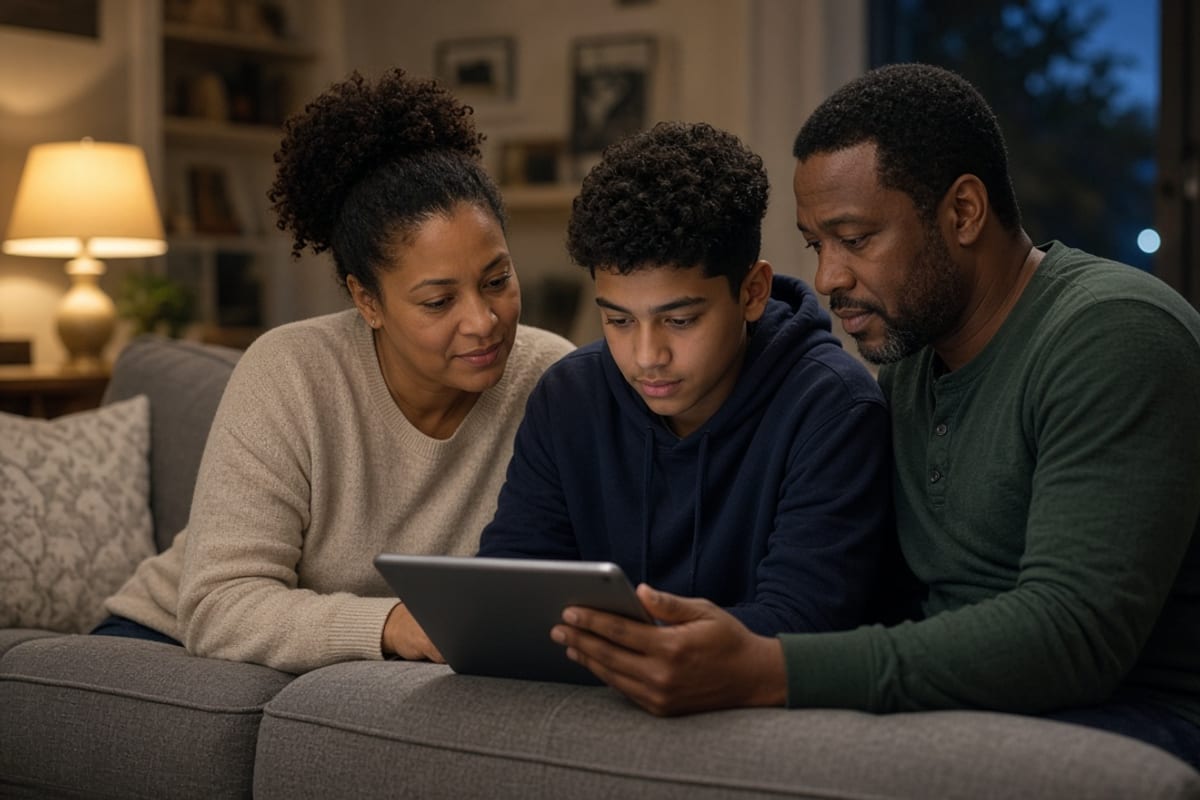
The audience most enrollment campaigns miss entirely is not a workforce segment at all. It is the person at home who helps make the decision.
Dependents account for a substantial share of claims, and in many families the individual weighing coverage options is a spouse or partner who does not work for you. If every message you send lands in a work inbox or behind a corporate login, that person receives nothing — and the employee becomes an unreliable relay for information they only partly absorbed.
The fix is small. Send at least one message explicitly built to be forwarded, covering family coverage costs by tier, what dependents actually get, and the family-relevant programs — pediatric care, maternity support, dependent care accounts, mental health coverage for children. Make certain the link opens on any phone with no credentials, and say plainly in the message that it is meant to be shared. The full household sequence is in spouse and dependent communication.
Employers who add this single message frequently see more changed elections from it than from the three that preceded it, because it reaches an audience that was previously getting nothing at all.
The week after close
Almost every employer goes quiet the moment enrollment ends, and it is the most wasted window in the benefits calendar. Employees have just made a decision and are briefly, genuinely interested in its consequences.
Use it. Confirm what each person elected and what it costs per paycheck, state when coverage begins and what will arrive in the mail, and — most importantly — prompt two concrete setup actions. Registering the carrier account, downloading the telehealth app, activating the HSA. These are what convert an election into actual usage.
The distinction matters more than it sounds. An employee with the telehealth app already installed uses it when a child gets sick on a weekend. An employee who elected identical coverage but never set anything up goes to urgent care. Same plan, different cost, and the only difference was one message sent at the right time.
Then keep going rather than stopping. Everything you explained during enrollment will be forgotten by spring unless something reintroduces it, which is the whole case for a year-round cadence.
Go deeper
This post covers the principles. If you are building an actual plan, three companion resources go further:
- The week-by-week communication timeline — what to send in each of the eight weeks before the window, during it, and after close, including a compressed version if you are already behind.
- The enrollment communication checklist — the reach, accuracy, manager, family, and measurement items teams most often miss.
- Our templates and examples library — adaptable copy for the announcement email, the deadline text, the break-room poster, manager talking points, and the family note. Pair the manager page with talking points that stay inside the lines, and treat last-year defaults as a problem in active vs passive re-enrollment.
Everything is collected in one place in the open enrollment resource hub.
Key takeaways
- Start 4–6 weeks early with pre-enrollment education.
- Follow a structured timeline through, and after, the window.
- Use multiple channels so deskless and remote workers aren't missed.
- Simplify decisions with plain-language comparisons and clear deadlines.
- Frame every message around employee benefit, not plan features.
Frequently asked questions
When should open enrollment communication start?
Begin 4–6 weeks before open enrollment opens with pre-enrollment education, then build a cadence of reminders during the window and a wrap-up after it closes. Starting the week enrollment opens is already too late.
How do you increase open enrollment participation?
Use multiple channels (email, text, Teams, mobile), send timely reminders with clear deadlines, simplify decisions with plain-language comparisons, and reach spouses and dependents who influence choices.
What are good open enrollment communication ideas?
Countdown reminders, short explainer videos, plain-language plan comparisons, text nudges for deskless workers, objection-handling FAQs, and post-enrollment confirmations that reduce HR questions.
Make this your smoothest open enrollment yet. LinQed Online automates the entire multi-channel campaign — branded to you, reaching everyone.

Kate transforms complex ideas into clear, actionable employee communications that drive behavior change, leading projects from strategy through production. A Texas A&M communications graduate and IABC member.