Free open enrollment webinar · Microsoft Teams

Don't wait forday one.

A live Open Enrollment communication briefing for HR, Total Rewards, and advisors who are done sending a portal link and hoping. We will walk the calendar, the channels, and the sentences that get people to act — then send you to reserve a seat on Microsoft Teams.

Date and time live on the Teams registration page. No pitch deck. Bring this year's window.

Live
Microsoft Teams event
Free
register in two minutes
Practical
calendar, copy, and reach
What we will cover

The moves that keep enrollment from collapsing.

Not a product tour. The same briefing we give teams who already have a portal and still get last-year elections.

Build the calendar backward

Awareness, educate, prepare, drive action — then the week after close. If your first message is “enrollment starts Monday,” you are already late.

Write to the decision

What does this cost me? What do I do next? What happens if I ignore it? Plan language produces last-year defaults. Decision language produces a choice.

Reach the people email misses

Deskless, shift, household, and anyone without a usable work inbox. Email-only open enrollment is a HQ campaign wearing a company-wide label.

Measure something leadership respects

Reach by segment, on-time action, and one honest dollar story. Webinar attendance and poster views stay in the operational file.

Who should be there

If you own the season, this session is for you.

CHROs, benefits and Total Rewards leads, communication owners, and advisors who walk into a client’s enrollment with more than a carrier PDF.

  • You are writing this year’s enrollment and last year’s file is still open
  • The floor and the household never see the email that HQ calls “the campaign”
  • Leadership still asks what communication accomplished after the window closes
  • You advise employers and need a briefing you can take into the room
HR professionals collaborating on a benefits communication strategy
Hosted by Touchpoints

People who run this work, not a slide deck.

Since 2007 we have helped employers and advisors turn benefits into communication people understand and use.

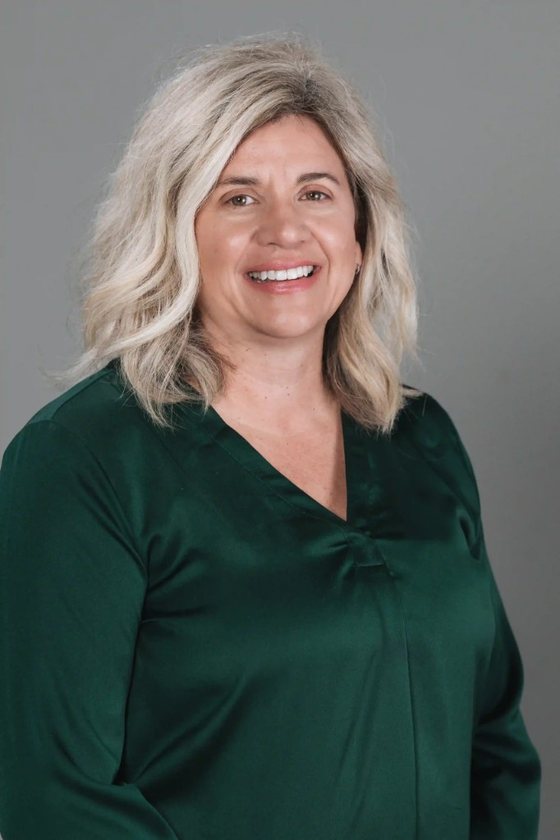
Chip Abernathy

Chip Abernathy

Co-Founder & President

Two decades in employee benefits communication. He works the briefing the way he works a client: what to say, who it has to reach, and what you can take upstairs.

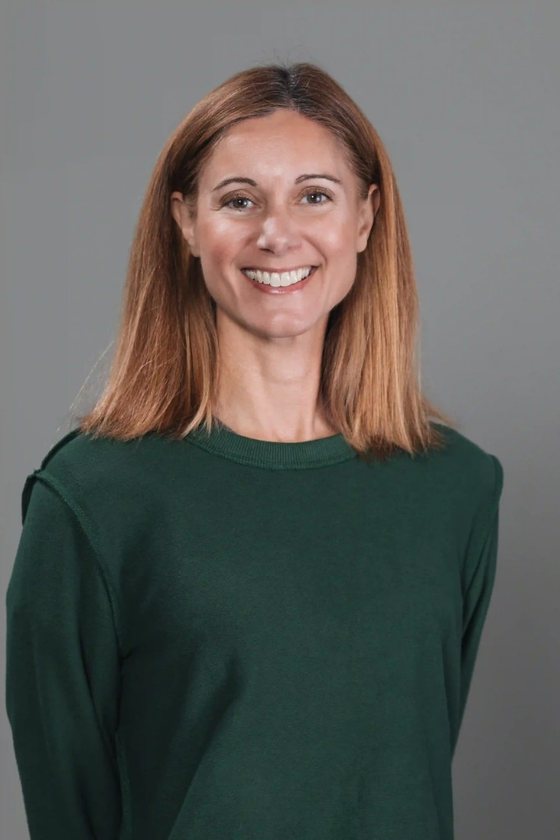
Jacque Abernathy

Jacque Abernathy

Director of Strategy

Sixteen-plus years simplifying complex benefit programs. She will keep the session on the decisions employees actually make, not the documents legal already approved.

Kate Moehnke

Kate Moehnke

Senior Communication Strategist

Turns the strategy into messages managers can say out loud and employees can finish on a phone. If a sentence cannot survive a huddle, it does not belong in the campaign.

How registration works

Two minutes. Then you are on the list.

1. Reserve the seat

The button opens the Microsoft Teams event page. Put your name and email there — that is the official registration, not a second form on our site.

2. Get the calendar hold

Teams sends the invite with the date, time, and join link. Add it the way you add any other meeting. If the time moved, that page is the source of truth.

3. Show up with a date

Bring this year’s enrollment start. We will work backward from it. Cannot make it? Grab the two-page guide and we will still be useful.

Good questions

Before you register

Is the webinar free?

Yes. Reserve a seat on the Microsoft Teams event page. No ticket, no pitch for a seat.

Do I need a Microsoft account?

You register on the Teams event page. Follow the prompts there — they handle the join link. You do not need LinQed Online or a Touchpoints login.

When is it?

Date and time are on the Teams registration page so we do not get out of sync if the hold moves. The button on this page is the same event.

I cannot make the live session. Should I still register?

Register if you want the hold. If the live slot is impossible, get the Open Enrollment guide now and use the OE hub for the timeline, templates, and manager talking points.

Is this a product demo?

No. It is a communication briefing. If you want to see LinQed Online after, the demo path and the employer scorecard are here — they are not the price of admission.

Save the seat. Then write the season.

Microsoft Teams holds the registration. We will use the session on the calendar, the channels, and the copy — not a tour of a portal you already have.