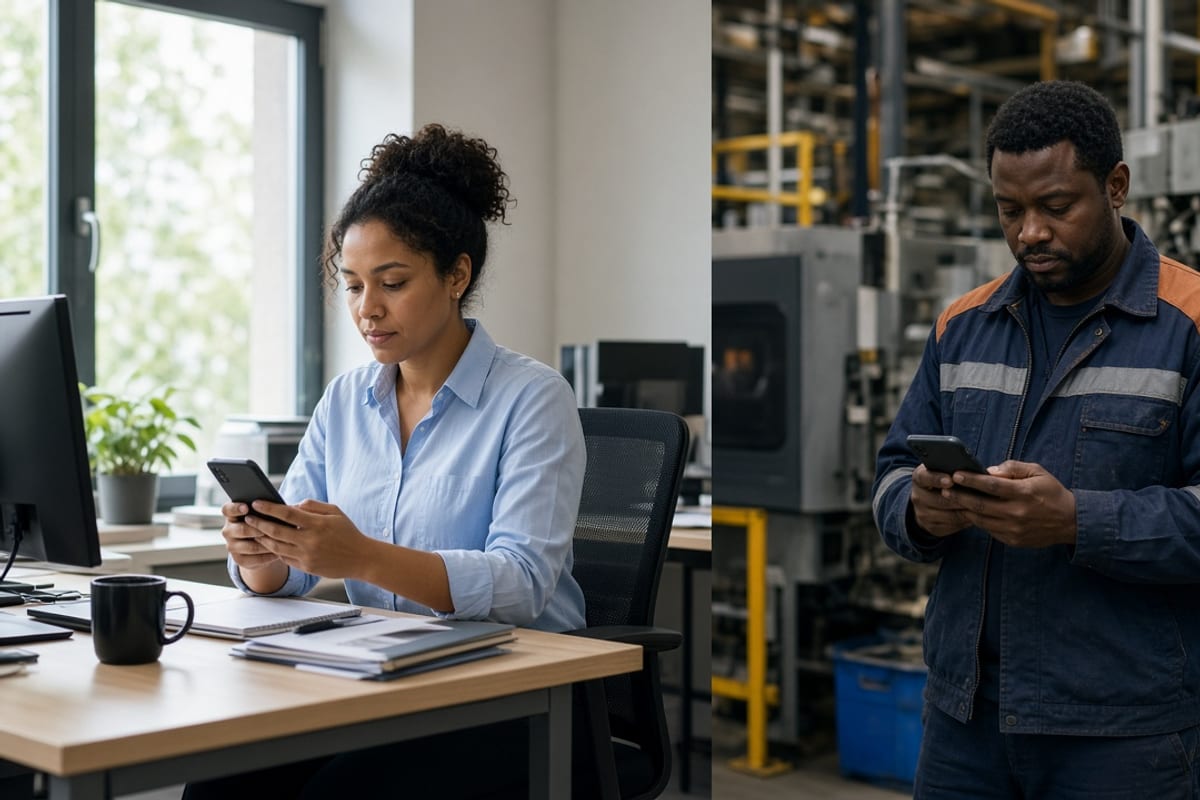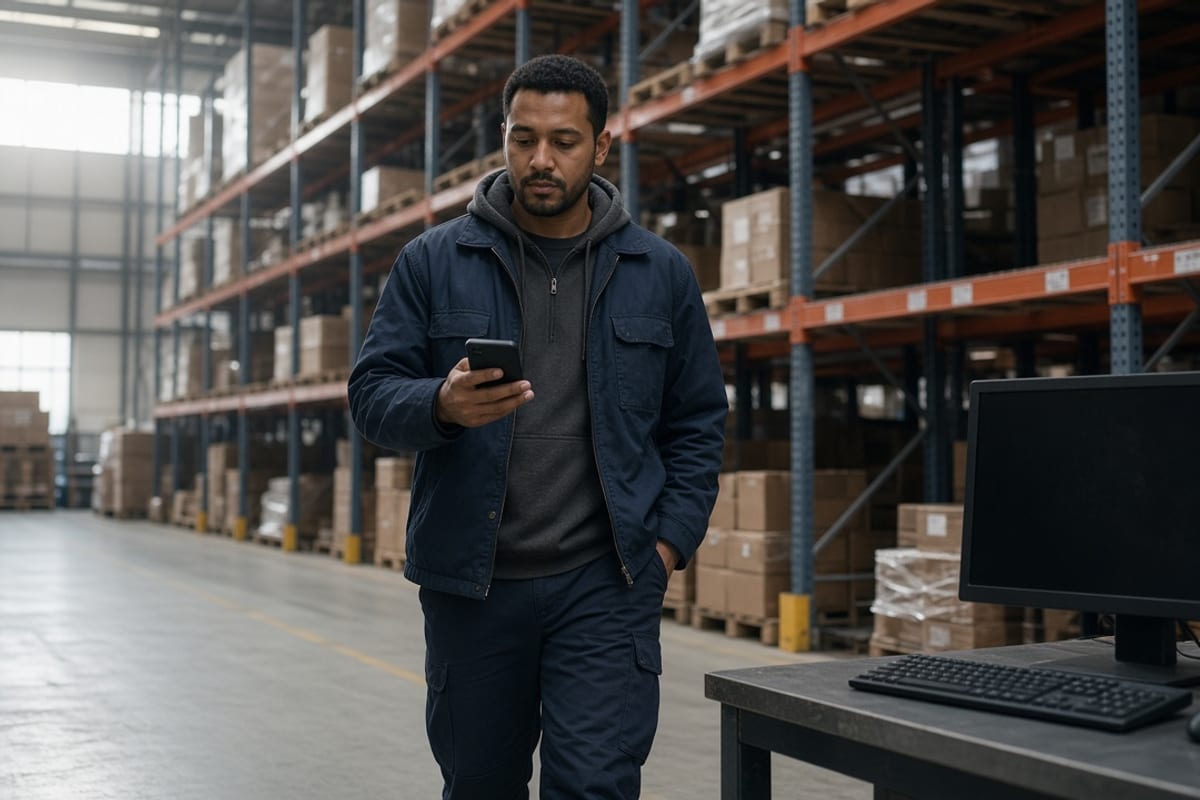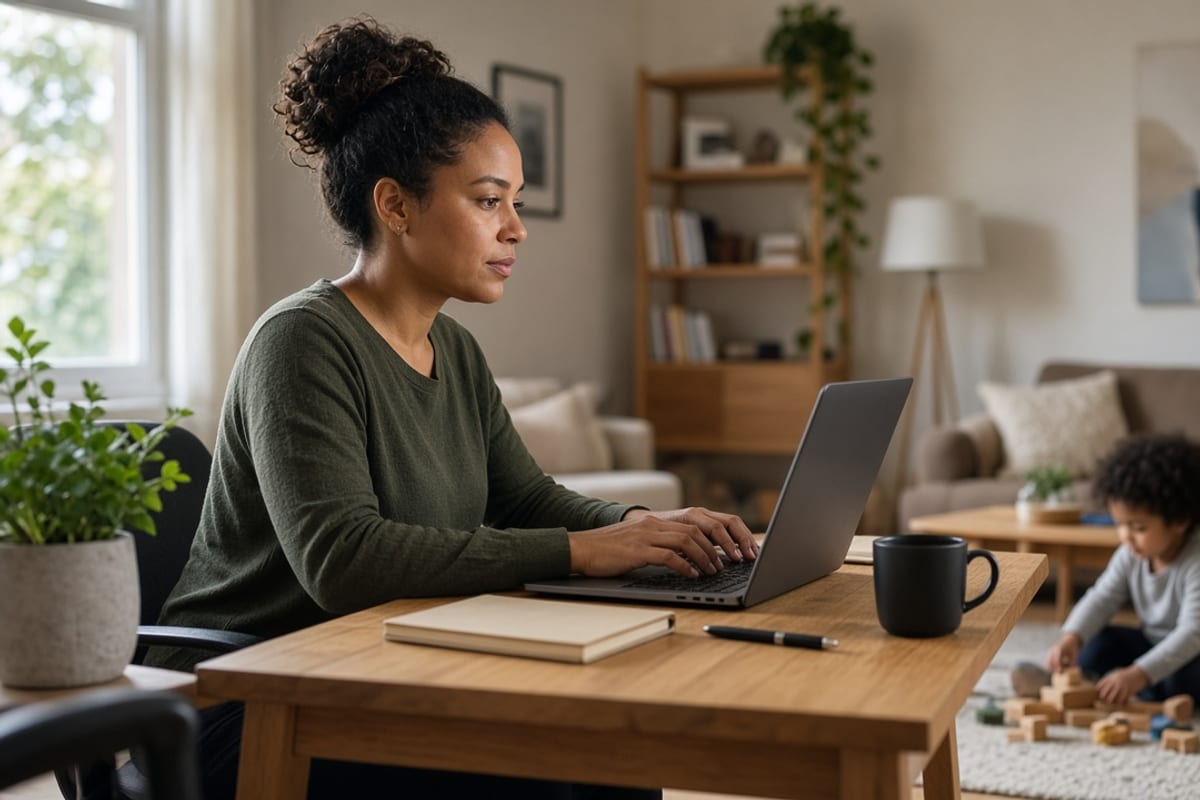
Remote employees often have a laptop and a work inbox. Their attention at home is still split, and a spouse is often in the room when the election gets made. Hybrid employees who also work plant or clinic days live in two places in the same week. Same plan. Two delivery designs.
Reach Equity™ means a fair chance to receive the message, understand it, and act. The field guide is Reach Equity™. A remote worker with Outlook is in a different spot from a deskless crew, which is why deskless and frontline employees is a separate plan. Email-only still fails both groups when the household never sees the page. That failure mode is laid out in email-only open enrollment.
Two work patterns, two paths
Path one is the remote knowledge worker. They can open a laptop. They still miss benefits because the message arrives while they are in a customer call, a school pickup, or a kitchen-table decision they are not ready to make alone. Give them a short note and a page built to be forwarded. Path two is the hybrid employee who spends part of the week on a floor, a route, or a line, and part of the week at home. The laptop day does not cover the floor day. They need the household page and a floor path: a QR, a huddle line, or a consented text. One Slack announcement covers neither pattern on its own.
Write the segments down before you design the campaign. Remote-only. Hybrid floor-plus-home. Headquarters on site every day. If HRIS cannot tell those apart, ask managers for a list before open enrollment, not during week one of the window. Measure completion and confirmed receipt by those labels. A blended open rate will look fine while the hybrid plant days saw nothing. That is the same reporting mistake email-only campaigns make, moved to a workforce that looks "connected" on paper.
Home attention, and the spouse in the room
A benefits decision at home is a conversation. The spouse cannot see Slack, Teams, or the HR portal. Put the plan comparison, the paycheck impact, and the deadline on a page that opens on a personal phone with no company password. Say it is meant to be shared. Schedule the send for a time a household can look at it, and keep the page available after the live session ends. If the only explanation happens on a webinar, the spouse hears a recap from memory.
Do not load that page with the entire guide. Three choices, the cost per paycheck, the deadline, and one question line that a human answers. Remote employees will not thank you for a 40-page attachment they must translate at dinner. The household version should stand alone. If someone misses the webinar, the page still finishes the job. Link the deeper documents at the bottom for people who want them.
Slack and Teams miss the hybrid day
Chat tools reach people who are in the tool during the workday on a corporate device. A hybrid employee on a plant Wednesday is not that person. A remote employee who muted the benefits channel is not that person either. Treat chat as an extra ping for the groups that live there, with the link to the no-login page. The limits are the same ones in Microsoft Teams benefits communication. If the message exists only inside Teams, you chose an audience on purpose.
For the floor half of a hybrid week, use the physical path: a card at shift start, a QR at a clock or a break area, a named contact. For the home half, use the forwardable page and, where you have consent, a text to a personal phone. Same plan facts in both places. Different doors. Publish the facts once so the card and the page do not drift. Drift is how a spouse and a supervisor end up quoting two deadlines.
Stop holding the only session on headquarters time
A 10 a.m. headquarters webinar is a gift to people in that time zone who are not on a floor. Remote employees in other zones, caregivers at school pickup, and hybrid employees on shift will miss it. Offer a second time, and publish the page so attendance is optional. Record the session only as a backup. The page has to carry the decision without the recording. Take questions in a channel a spouse will never see, then fold the answers onto the page within a day.
Report enrollment and page visits by work pattern. If remote completion is high and hybrid completion is low, add the floor path. If both are low, the page is too long or the deadline is unclear. Fix that before you add another chat reminder. Managers of hybrid teams get a six-line card: the date, the forwarding sentence, the QR, and a reminder that they do not pick plans for people. Templates for that card live in templates. Score work-pattern gaps on the employer scorecard.
Key takeaways
- Remote employees have a laptop and still share the decision at home.
- Hybrid floor-plus-home workers need a household page and a floor path.
- Slack or Teams is an extra for people who live in those tools.
- The explanation page must open on a personal phone without a work login.
- Hold more than one session time, and let the page stand alone.
- Report completion by work pattern, not as one blended open rate.
Frequently asked questions
Is remote benefits communication the same project as deskless?
No. Remote employees usually have a work inbox and a laptop. The gap is split attention at home and a spouse who cannot see internal tools. Deskless employees often have no quiet inbox on shift. Hybrid employees who split plant days and home days need both designs. Same plan, measured separately.
Will Slack or Teams cover a hybrid workforce?
Chat covers people who are in that tool on a corporate device that day. It misses the plant day, the muted channel, and the spouse. Use chat to point at a page that opens without a work password. Put a QR or a huddle line on the floor half of the week so the two doors match.
What should the household be able to open?
A short page on a personal phone: the choices, the paycheck impact, the deadline, and a way to ask a question. Say the page is meant to be forwarded. Deeper documents can sit at the bottom. If the page demands single sign-on, the spouse is out of the decision.
When should we schedule the live session?
Not only at a headquarters morning hour. Add a second time that remote zones and hybrid shifts can attend, and publish the page so missing the session still leaves a way to decide. A recording helps. It does not replace the page or the floor path.
If remote and hybrid employees miss the plan, score reach by work pattern before the next send.
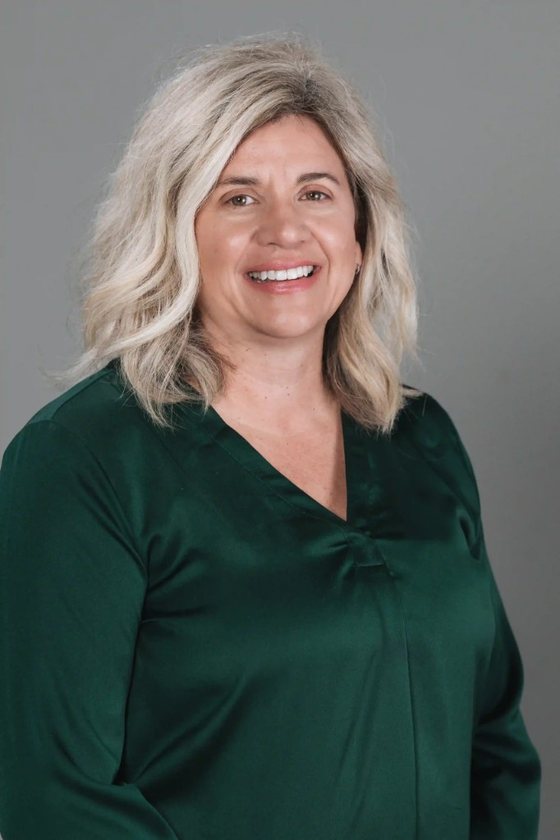
Pairs strategic thinking with a drive to get it right every time. With 16+ years of experience — including a communication practice in Sydney, Australia — she specializes in simplifying complex benefit programs.