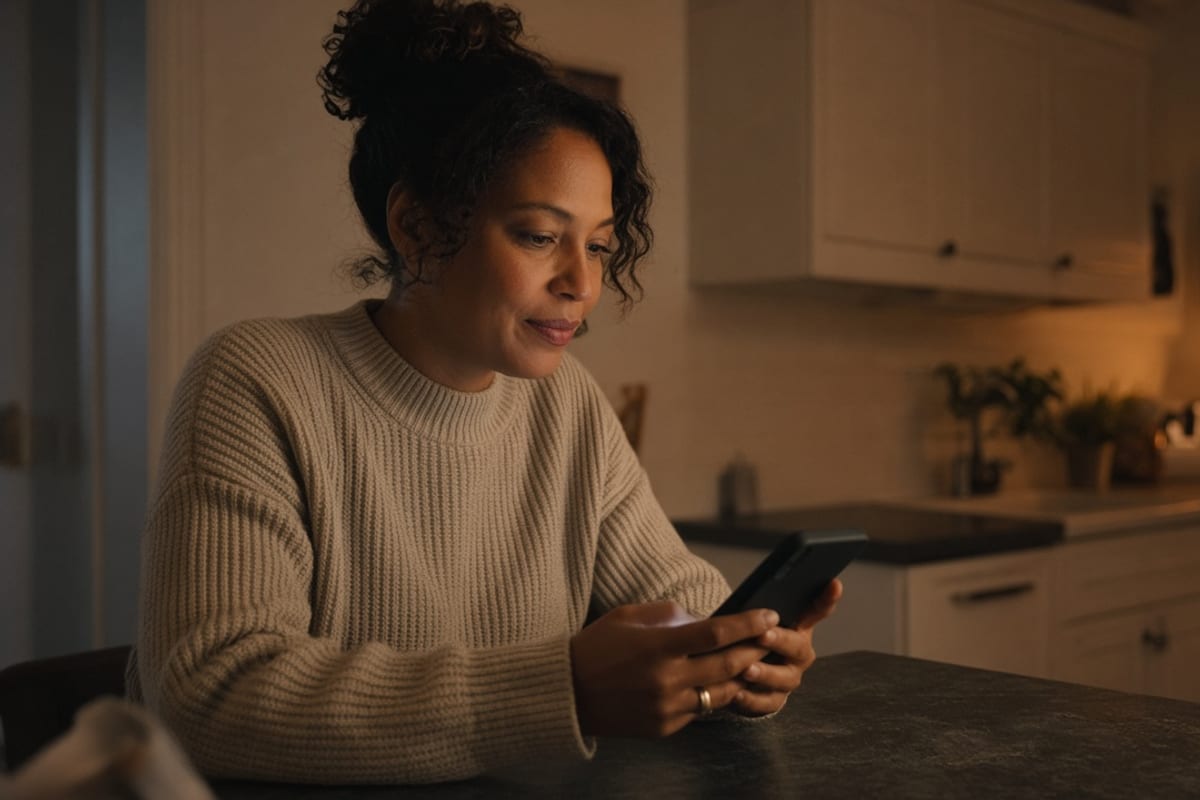
Ask a benefits director who uses the plan, and they will say “employees and their families.” Ask who receives the communication, and the honest answer is “employees, on work channels, during work hours.” Those two sentences are why family coverage is elected in the dark and why pediatric and dependent programs sit unused.
Dependents are not a secondary audience. In a lot of groups they are a primary driver of claims. The person deciding whether a child’s fever is an ER visit is frequently not the person with the corporate email address. If your entire program assumes the employee is a reliable relay — they will read it, understand it, and repeat it accurately at dinner — you have designed a game of telephone and called it outreach.
Reach Equity is the name we use for closing that gap. This post is the household half of it. The worksite half is in how to reach deskless employees.
Why the employee is a bad relay
They are busy. They skim. They remember the deductible as a feeling (“it’s high”) rather than a number. They cannot answer “is the pediatrician in-network” from a slide they saw in October. And in many households they are not the medical decision-maker at all. Asking them to be the benefits department after hours is how you get a spouse googling the plan name and landing on last year’s PDF.
Work-only channels make this structural. Intranet, Teams, a portal behind SSO, a webinar at 2 p.m. Central — none of those reach a spouse at a different employer or a parent coordinating care from a phone in a pickup line. If the resource requires a company login, you have not communicated with the family. You have filed a document where the family cannot stand.
What the household actually needs
Three things, in this order: can I open this without a password; what will this visit or prescription cost us; what do I do next. A fourth if you can: a phone number that does not require the employee’s employee ID as the first prompt. That is the whole product. A 40-page family guide that lives behind Okta is not the product.
Cost has to be in dollars. “Your plan includes pediatric coverage” does not help someone choose between urgent care and the ER at 8 p.m. “Urgent care for this plan is typically $X; the ER is $Y; telehealth is $Z; here is the list of nearby in-network urgent care.” That message is allowed to be ugly. It is not allowed to be vague.
Language follows the household, not the worksite. If the family decides in Spanish, the open page has to exist in Spanish. That is not a nice-to-have for a subset of employees. It is the difference between a dependent program that exists and one that exists on paper. See multilingual communication.
How to get an address you are allowed to use
You cannot spam a spouse’s personal email just because you wish you could. You can: offer an open resource URL on every employee-facing piece and say “forward this home”; collect a household contact during enrollment with a clear opt-in; use SMS to the employee with a message designed to be shown to someone else (“please show this to whoever schedules the kids’ appointments”); and put QR codes on printed wallet cards that do not expire when the intranet password does.
The opt-in for a spouse email or text is worth asking for at hire and again at enrollment. Make the ask specific: “We will send a handful of messages a year about deadlines, how to use the plan, and life events — not vendor promotions.” Vague “stay informed” language is how you get a junk folder and a compliance problem.
Life events are when the household is paying attention. A new baby, a marriage, a move — those are the weeks to send the family-facing version, not another employee newsletter. The sequence is in our life-event playbook.
What to send, and what never to send
Send: the where-to-go card, the open-enrollment deadline with per-paycheck cost, how to add or drop a dependent, how to find an in-network pediatrician or specialist, and how to use the EAP or behavioral health benefit without going through the employee’s manager. Do not send: culture newsletters, wellness challenges dressed as medical advice, or anything that discusses another employee’s situation.
Do not use the spouse as a pressure channel. “Remind your husband to complete his health screening” is how you damage trust. Speak to the household as a household: here is what is available to you; here is how to start.
Measure the gap or you will keep missing it
Ask two questions you probably do not ask today. Of the people on family coverage, what share of messages are even capable of leaving the building? And of pediatric or dependent-program utilization, what share of the eligible household has ever received a message they could open? If you cannot answer, you are managing an employee program and hoping the family overhears it.
Then watch dependent-related tickets: “I didn’t know we had that,” “we went to the ER because we weren’t sure,” “I couldn’t log in.” Those are not education failures in the abstract. They are distribution failures with a family at the end of them.
Fixing this is one of the few communication changes that shows up in claims mix — more urgent care, more well-visits, fewer “we didn’t know where to go” stories. It is also one of the few that competitors still treat as a footnote. That is why we treat it as a differentiator rather than a translation project.
Key takeaways
- Dependents drive claims; work-only channels structurally exclude the household decision-maker.
- The employee is a poor relay. Design messages to be forwarded, not remembered.
- An open URL, dollars, a next step, and a phone number beat a portal behind SSO.
- Collect household contact with a specific opt-in — at hire and at enrollment.
- Measure whether family coverage can even receive a message, not just whether employees opened one.
Frequently asked questions
Can we email employees’ spouses about benefits?
Only with a clear opt-in and a stated purpose. Do not scrape personal addresses from emergency contacts and start a newsletter. The safer default is an open, forwardable resource plus an optional household contact collected at hire and enrollment. SMS to the employee designed to be shown at home is often enough to start.
Why don’t spouses just use the employee portal?
Because it requires a corporate login, a VPN, or an employee ID they do not have — and because they are making decisions on a phone, at night, without a 40-page SPD. If the only copy of the plan lives behind SSO, the household is not in your audience. They are in your claims file.
What should a family benefits page include?
How to get care this week (ER vs. urgent care vs. telehealth vs. primary), example costs from the current plan, how to find in-network pediatric and specialist care, how to add a dependent, and a phone number that works without the employee sitting next to them. Leave the culture magazine off that page.
How is this different from Reach Equity for frontline workers?
Same idea, different wall. Frontline reach fails when the employee never sees the message. Household reach fails when the employee sees it and the decision-maker does not. You can fix one and still miss the other. Most programs miss both and call the result “low engagement.”
Reach Equity starts at home. See how your program scores in three minutes.

Kate transforms complex ideas into clear, actionable employee communications that drive behavior change, leading projects from strategy through production. A Texas A&M communications graduate and IABC member.